
Overview
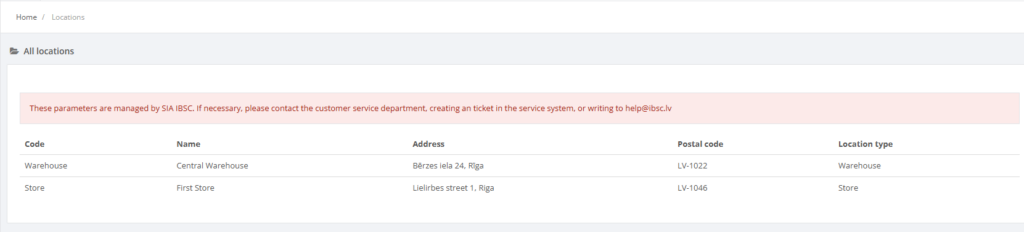
The Locations page provides a centralized, read‑only list of all stores, warehouses, and other operational locations configured in the Resico ERP system. Each entry includes key details such as the location code, name, address, postal code, price group, and location type, enabling managers to quickly review where products are stored and sold.
Users cannot add or modify locations directly within this page. A notification banner indicates that all location parameters are centrally managed by the Resico support team. To request the creation of a new location or changes to an existing one, users must contact IBSC support.
Who Can Use This
Only users with Retail setup or Administrator privileges can view the locations list. There are no edit or creation actions available for normal users.
Navigation
From the main menu select Retail Setup → Locations.
Related Pages
- POS – POS terminals are assigned to specific locations.
- Price Groups – each location belongs to a price group.