
Purpose
Use the Transactions report to review transaction ledger activity for a selected date range. This report is used when users need a ledger-style transaction list and a downloadable full report.
Roles involved
- Finance user
- Auditor
- Operations user investigating transaction history
Preconditions
- The user needs permission to read Transactions.
- Transaction data must exist for the selected date range.
Navigation path
Reports → Transactions
Step-by-step procedure
- Open Reports → Transactions.
- Select the Date range.
- Click Filter to load the report.
- Review the on-screen transaction list.
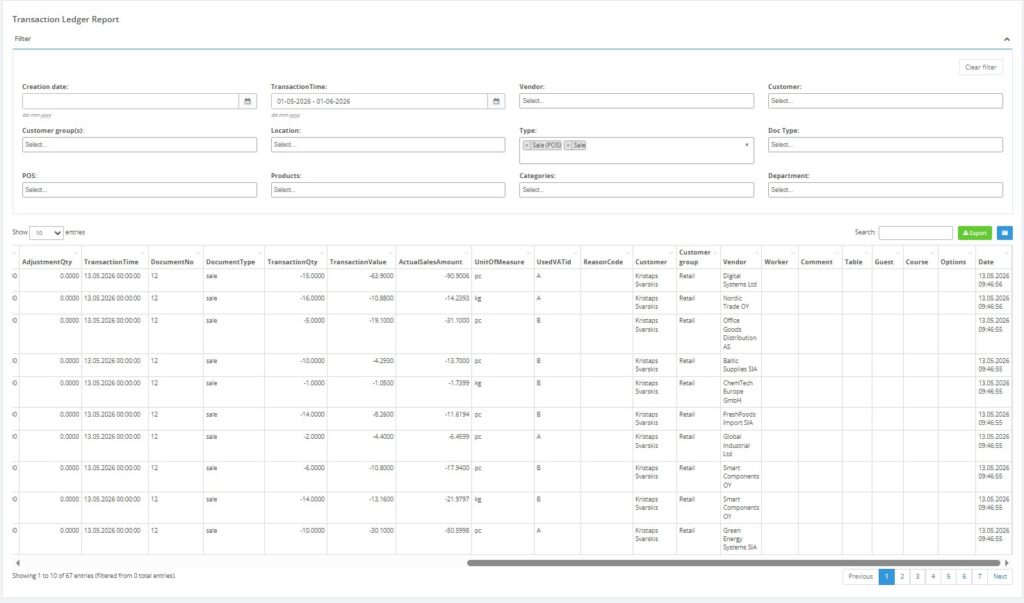
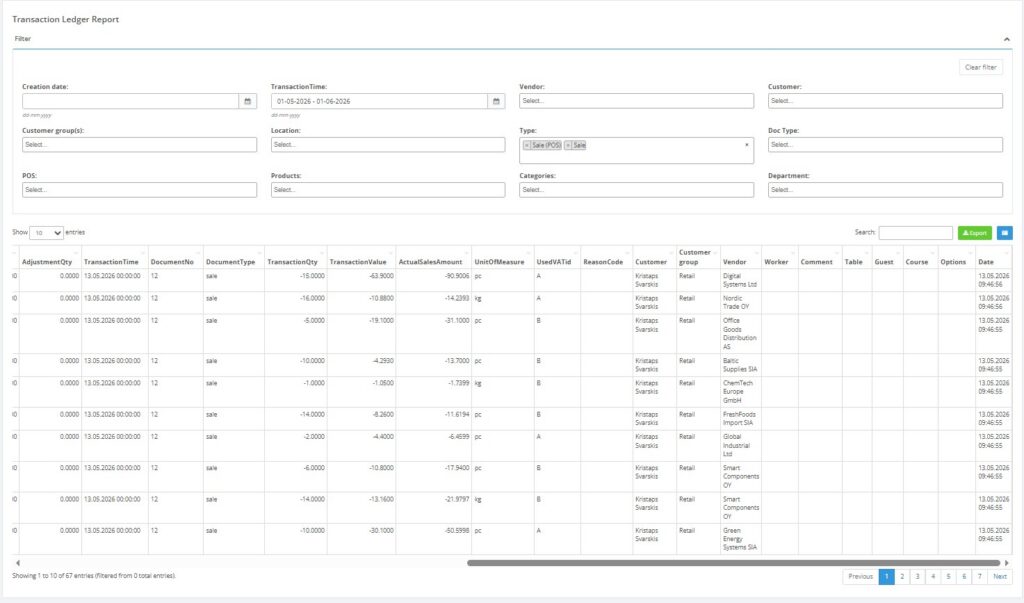
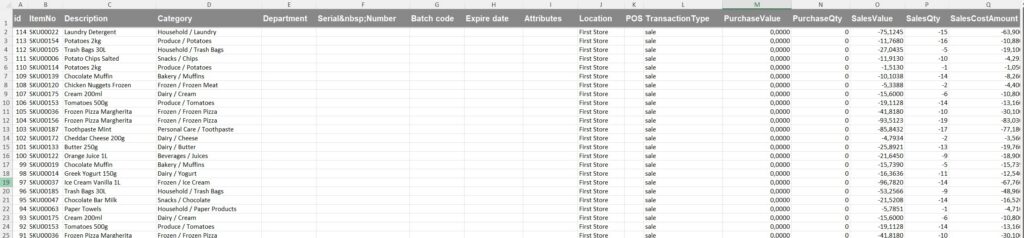
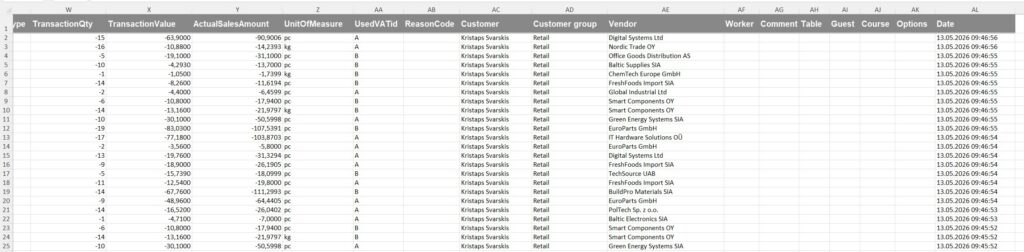
- Use Download full report when you need the exported version.
Required fields
- Date range
Validation rules
- The date range must be valid.
Exceptions
- This report is date-range based; the visible form does not expose the broader filter set that some other reports have.
Common errors
- Users expect location filtering on the visible form, but the form only shows the date range.
Troubleshooting
- If the output is larger than expected, narrow the date range.
- Use the exported full report for deeper analysis or reconciliation.
Questions / Gaps
- The exact visible columns on the final transaction table should be confirmed directly in the live report output, because the template focuses mainly on the filter and export controls.